That “File Shared With You” SharePoint Email Might Not Be Real
Why These Phishing Emails Are Booming — and How to Avoid the Trap
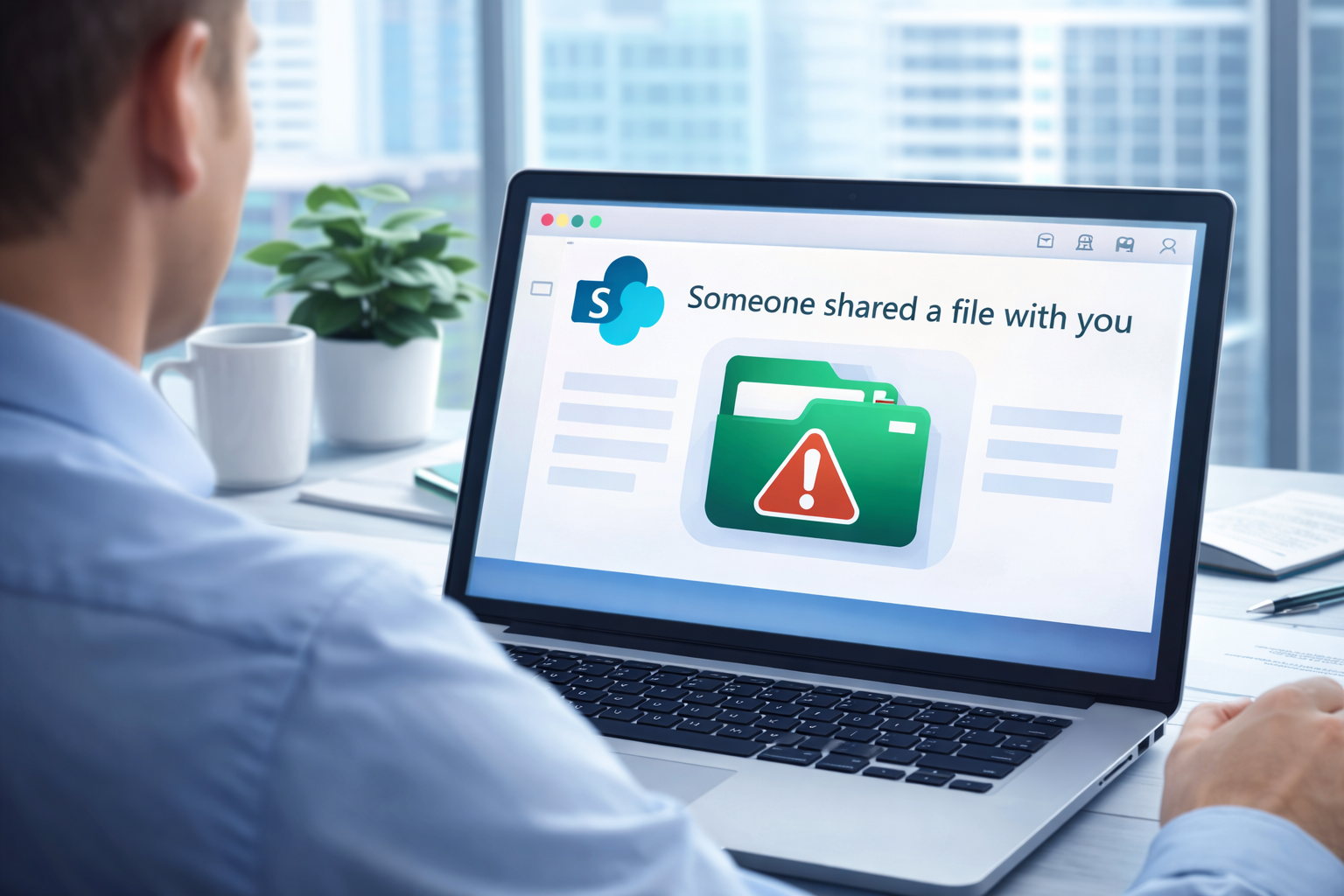
If you’ve noticed a spike in emails saying “Someone shared a file with you on SharePoint” — you’re not imagining it. Attackers are increasingly using SharePoint-style phishing emails because they look familiar and trusted. These lures are sneaky, convincing, and designed to trick even savvy users into handing over their credentials or clicking malicious links. CyberProof+1
Let’s break down what’s happening, why this is taking off, and how you and your team can stay safe.
🕵️♂️ Why SharePoint Phishing Works So Well
SharePoint is part of Microsoft 365, something many of us rely on daily. That’s exactly why attackers are abusing it:
- It looks legitimate — people trust messages from Microsoft and familiar collaboration tools. CyberProof
- Emails with SharePoint links bypass spam filters more easily than traditional phishing links. CyberProof
- Threat actors use compromised accounts or spoofed domains to make messages appear to come from people you actually know. Secure X –
- Some scams even mimic Microsoft login pages down to the login prompt, sometimes capturing MFA codes in real time. Cyber Security News
Sophisticated campaigns are not dumb spam — they’re tailored to look like the everyday collaboration you’re used to seeing.
🧠 How These Scams Usually Play Out
Here’s a common scam flow:
- You get an email saying someone shared a file with you on SharePoint. Critical Path Security
- You click the link thinking you’ll view a document. Critical Path Security
- Instead of a file, you’re redirected to a phishing page that looks like a Microsoft login and asks for credentials (and even MFA codes!). Cyber Security News
- Your account is compromised — which can lead to full access to SharePoint, Teams, Outlook, and more.
In more elaborate versions, attackers host malicious files on real SharePoint infrastructure, so everything feels completely legit right up to the point where you hand over credentials. CyberProof
👀 Red Flags to Watch For
These phishing emails look real, but a few tell-tale signs can help you spot fakes:
- Unexpected shares — if you weren’t expecting a file, be suspicious. Accellera Solutions
- Urgent language — anything pushing urgency or pressure. IPRO
- Strange senders or domains — check the sender email closely. IPRO
- Repeated login requests — if you’re already logged in to Office 365 and suddenly asked to sign in again, pause. Critical Path Security
- Hover before you click — make sure the link destination is a trusted SharePoint domain (e.g., yourcompany.sharepoint.com) before clicking. IPRO
Always double-check before entering credentials on a page that was linked from an email.
🔒 Best Practices to Stay Safe
Here are practical steps that protect you today:
✅ 1. Never Enter Credentials Through Email Links
If a login prompt comes from a link in an email, don’t enter your password or MFA codes. Instead, open a new browser window and navigate to Microsoft 365 directly. Critical Path Security
✅ 2. Enable Multi-Factor Authentication (MFA) Everywhere
Even if someone gets your password, MFA helps stop attackers from getting in. This is one of the simplest and most effective protections there is. IPRO
✅ 3. Slow Down — Don’t React to “Urgent” Emails Without Vetting
Phishers love urgency. When in doubt, reach out to the supposed sender outside the email thread (e.g., Teams, Slack, or a quick call). IPRO
✅ 4. Train Your Team
Make sure your team knows what a legit SharePoint notification looks like — and what it doesn’t look like. Teach folks to inspect senders, URLs, and login behavior. IPRO
✅ 5. Use Built-in Reporting Tools
Features like Outlook’s “Report Phishing” help your security teams and automated defenses adapt and block similar threats. Microsoft Learn
💡 The Bigger Picture
These phishing scams work because they exploit trust — you trust Microsoft, you trust collaboration tools, and you trust your coworkers. Attackers are counting on that trust to slip in a malicious link. Awareness + smart habits = dramatically reduced risk.
There’s no perfect defense, but with good practices, training, and solid authentication policies, you can stay ahead of this wave of malicious SharePoint-style phishing emails.
If your team has clicked something suspicious, changed credentials, or you’re just unsure — it never hurts to have a security expert take a look. And remember: at Ultrex, we don’t bill per ticket or per visit — helping you understand and solve these kinds of threats is part of the retainer. We’ll tailor recommendations to your setup and risk tolerance — no one-size-fits-all solutions here.
Let’s tackle this together! 💪