Cloud-Based Print & Scan: A Smarter Way to Manage Document Workflows
Why Cloud-Based Print & Scan Fits the Way Work Actually Happens Today
For a long time, printing and scanning were treated as background utilities—something that just existed and was rarely questioned.
But the way people work has changed.
Documents no longer live on individual computers or shared drives.
Teams collaborate in the cloud.
Users move between devices.
Security, access, and visibility matter more than ever.
Print hasn’t disappeared—but the way it fits into modern workflows needs to evolve.
That’s where cloud-based print and scan platforms like Kyocera Cloud Print & Scan (KCPS) make sense.
The Real Challenge Isn’t Printing — It’s Document Flow
Most organizations don’t struggle because printing exists.
They struggle because documents don’t always end up where they should.
Common challenges include:
- Scanned files landing on the wrong device or in the wrong folder
- Inconsistent access depending on who is logged in—or where
- Limited insight into how printing is actually being used
- Security concerns when documents are printed or scanned without accountability
These issues rarely cause immediate failures.
They show up gradually—in compliance reviews, security discussions, IT workload, and wasted time.
At Ultrex, we see it often: document workflows function, but not efficiently or transparently.
What a Cloud-First Print & Scan Platform Changes
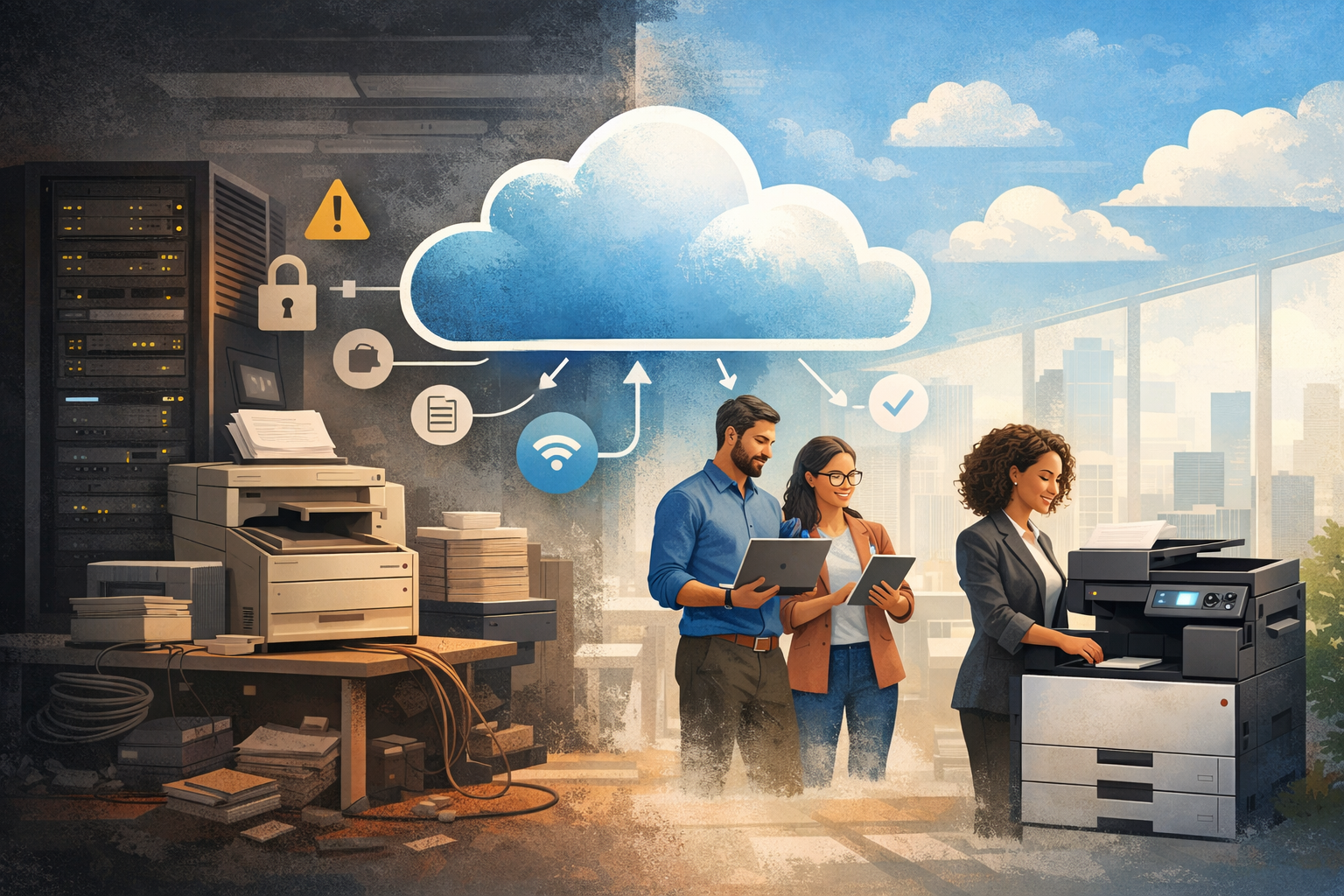
KCPS shifts print and scan workflows to align with how organizations already work today—through identity, permissions, and cloud storage.
Instead of tying document workflows to individual devices or locations, KCPS:
- Uses secure user authentication at the device
- Routes scans directly to approved cloud destinations
- Provides centralized visibility without disrupting users
Documents move where they’re supposed to go, based on who the user is, not which computer they’re standing near.
Security Built Around User Identity
Modern document security isn’t about locking things down—it’s about ensuring the right people have the right access at the right time.
KCPS supports this by:
- Requiring authentication before printing or releasing jobs
- Ensuring documents aren’t left unattended
- Associating activity with users, not devices
This approach aligns well with real-world environments like healthcare, education, legal, and finance—where accountability and privacy are non-negotiable.
Security isn’t an add-on.
It’s embedded in the workflow.
Better Insight Without Extra Effort
Most organizations don’t need to eliminate printing.
They need to understand it.
KCPS gives teams the ability to:
- See how printing is actually used across departments
- Set smart defaults that encourage responsible usage
- Apply policies without creating friction for users
The result is fewer surprises, fewer manual interventions, and better long-term cost control.
Designed for How Teams Work Now
Print environments today are about more than paper.
KCPS supports:
- Scanning directly to cloud platforms
- Integration with OneDrive, Google Drive, and Box
- Support for Chromebooks and mobile-first users
- Native compatibility with Kyocera HyPAS-enabled devices
Users get a consistent experience.
IT gets fewer exceptions to manage.
A Practical Sustainability Benefit
Sustainability doesn’t always come from sweeping changes.
Sometimes it comes from simplifying.
By consolidating document workflows into a cloud-based platform, organizations can reduce:
- Excess hardware
- Energy usage
- Long-term operational overhead
It’s a quieter win—but a meaningful one.
The Ultrex Perspective
We don’t believe in changing technology just to say it’s “modern.”
KCPS works because it simplifies document workflows that have become unnecessarily complex. It improves visibility, strengthens security, and aligns print and scan activity with how organizations already manage access and data.
The goal isn’t to rethink printing entirely.
It’s to make document workflows smarter, quieter, and easier to manage—so teams can focus on work that actually matters.
If print and scan still feel heavier than they should, it may be time to rethink how documents move—not just how they print.