
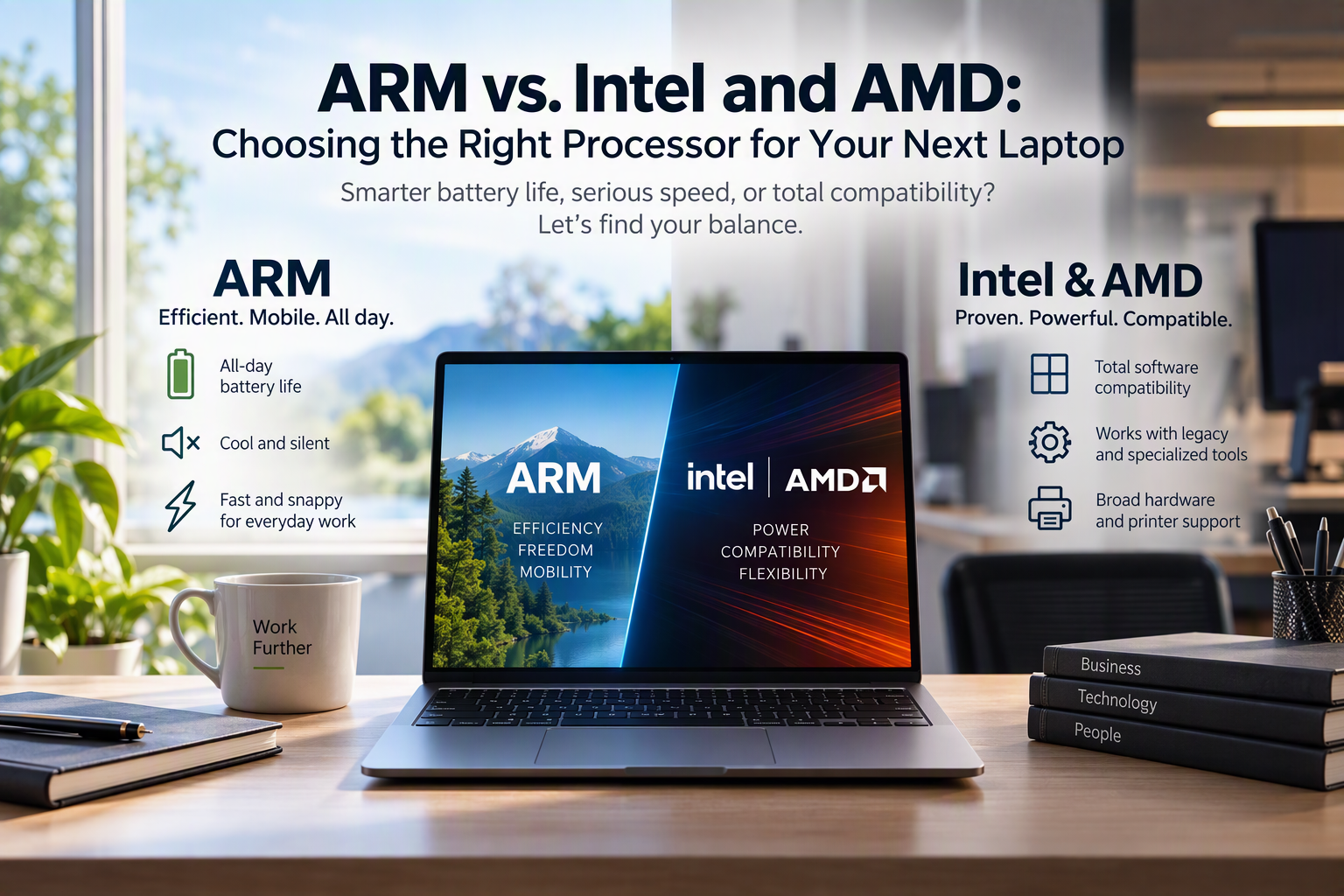
ARM vs. Intel and AMD: Choosing the Right Processor for Your Next Laptop
Smarter battery life, serious speed, or total compatibility? Let’s find your balance.
Shopping for new business laptops used to be simple: you grabbed an Intel processor, maybe considered AMD, picked your memory, and moved on.
Lately, though, you’ve probably heard people buzzing about ARM processors (often seen in Snapdragon-powered PCs or “Copilot+ PCs”). Tech reviewers talk about them like they’re the greatest thing since sliced bread, while others warn you to steer clear and stick with classic Intel or AMD chips.
So what’s the real story?
At Ultrex, we don’t tie ourselves to any single vendor, brand, or one-size-fits-all solution. We look at where you land on the spectrum of cost, security, and convenience to find what genuinely fits your business.
Neither chip type is universally better or worse – they are built for entirely different priorities. Let’s break down the differences in plain English so you know what actually matters.
The Work Truck vs. The Hybrid Commuter
Here’s the easiest way to picture the difference:
- Intel & AMD are like dependable heavy-duty work trucks. They use a little more fuel and generate some engine heat, but you can hook up virtually any legacy trailer, specialized attachment, or older tool behind them and they just haul it without blinking.
- ARM is like a modern fuel-efficient commuter car. It sips power, runs whisper-quiet, and goes all day on a single charge. But if you try to hitch a heavy, specialized flatbed trailer to it, you might run into trouble.
Intel & AMD: The Traditional Workhorses
Intel and AMD chips use the classic architecture (known as x86) that Windows software has run on for decades.
Why They Shine:
- Total software compatibility: Virtually every piece of Windows software built in the last twenty years works out of the box.
- Legacy and niche business apps: If your office relies on an on-premise database, older specialized accounting software, or niche industry tools, Intel and AMD are the safest bet.
- Universal hardware support: Scanners, barcode readers, legacy peripherals, and office equipment run without compatibility hitches.
The Trade-offs:
- They use more power, generate more heat, and require cooling fans that kick on when you’re working hard.
- Battery life is decent, but you’ll probably still want your charger handy if you’re out of the office for the full day.
ARM Processors: Built for All-Day Mobility
ARM chips were originally designed for mobile devices like smartphones and tablets, where battery life and efficiency matter most. Now, they’re powerful enough to run full laptop operating systems.
Why They Shine:
- All-day battery life: You can easily work a 12-to-15-hour day away from an outlet without battery anxiety.
- Cool and silent: They run so efficiently that many models don’t even need cooling fans – meaning no hot laps and zero fan noise.
- Fast and snappy for everyday office work: Email, web browsing, Microsoft 365, Google Workspace, Zoom, and Teams run smoothly and feel instant.
The Catch: Software and Driver Support
ARM compatibility has come a long way, but it isn’t universal yet. Windows uses software translation to run older programs on ARM, and while modern cloud tools run great, some older 32-bit apps or specialized business tools simply won’t run.
The Printer Problem: Drivers Matter!
One area where this trips businesses up is printing and scanning.
Printers require specific software drivers to communicate with your computer. Because ARM is newer on Windows:
- Some printer manufacturers haven’t written ARM-compatible drivers for their machines – especially older office copiers, multifunction printers, or specialized label makers.
- If a dedicated ARM driver doesn’t exist, you might find yourself unable to print at all, or stuck using generic drivers that give you very limited printing options (like losing double-sided printing, color controls, secure release PINs, or scan-to-computer features).
Which One Is Right for You?
Here is the quick rule of thumb:
- ARM is great if: You travel often, work out of coffee shops or client sites, spend most of your day in web apps, email, Office documents, and video calls, and want a lightweight machine that lasts all day on battery.
- Intel / AMD is best if: You use specialized industry programs, rely on older local databases, or connect to specific office equipment and older shared network printers where rock-solid driver support is non-negotiable.
Let’s Find the Right Fit – Together
Upgrading company hardware shouldn’t involve crossing your fingers and hoping your critical apps or office printers work on Monday morning.
At Ultrex, our IT retainer covers all our support labor – remote troubleshooting, on-site help, new device setups, staff onboarding, and hardware migrations are all included. We don’t bill per ticket or per visit, so our goal is never to sell you the newest shiny gadget just because it’s new. Our only incentive is making sure your team has reliable, secure technology that actually fits your workflow and budget.
There’s no single right answer for everyone. If you’re planning your next round of laptop upgrades, let’s sit down, review the software and printers your team depends on every day, and find the right fit together.
👉 Contact us today – and let’s make your next hardware refresh simple, predictable, and stress-free.