Before You Hand AI the Keys: Three Questions Every Business Should Ask
AI agents don’t just answer questions anymore. They take action.
We’re on the cusp of a fundamental shift in how we interact with our computers, driven by artificial intelligence and, in particular, the agentic approach that’s quickly taking hold across the AI world.
Like any new technology, agents need to be fully understood before you plug them into even simple systems like email or document writing, let alone more complicated ones like cloud infrastructure or coding. These agents don’t just answer questions. They take actions on your behalf, and that changes the stakes completely.
Before you add an AI system to your network, there are three core questions to ask:
- How much authority do I want this system to have?
- What protections does my data have?
- Who has the right to train on and use my company data?
Skip these questions and it’s a bit like handing a chainsaw to a toddler. No one should be surprised when the house comes tumbling down.
Question 1: How Much Authority Do I Want This System to Have?
When you ask this question, it’s often best to picture the AI as a malicious actor rather than a helpful one. If it were going to do the worst possible thing with this access, what would it do?
Say you gave an AI agent access to your primary messaging platform and your email, and one day you made an off-color joke to a friend. The AI might decide on its own that the authorities need to be notified right away. That sounds dramatic, but versions of it have already happened in research settings. In Anthropic’s own published safety testing, a Claude model given email tools and a fictional company’s records tried to email the FDA, the SEC and a news outlet after deciding the company was committing fraud. It was a test scenario designed to push the model, but it shows what an agent with the ability to send messages can decide to do.
Here’s a more everyday example. You give your AI agent access to the folder holding a new bid you’re working on, plus full internet access, and ask it to do some research. Trying to be helpful, it reaches out to other companies in the area to ask for competing bids. Now you’ve opened yourself up to being undercut by a very well-informed competitor. There’s no guarantee something like this will happen. But that doesn’t mean it won’t, and it certainly doesn’t mean we shouldn’t build walls to protect ourselves.
Before granting access, ask:
- What’s the worst thing this AI could do with this access?
- Does it actually need to send, change or delete, or would read-only do the job?
- Can it reach outside the company – the internet, email, phone or chat – with what it can see?
The safest approach is to give an agent the least amount of access it needs to do its job, and only add more when you have a clear reason to. It’s a lot easier to grant a permission later than to undo the damage from one you never should have given in the first place.
Question 2: What Protections Does My Data Have?
Browse the forums where heavy AI users hang out and you’ll find post after post of people saying the AI suddenly deleted their company data, wiped the operating system off their computer, or renamed every file so no one can find anything. And it’s not just forum chatter – it’s making headlines:
- A whole drive, gone. Asked to clear a project’s cache, Google’s Antigravity coding agent instead wiped the user’s entire D: drive, skipping the Recycle Bin entirely.
- A company’s database and its backups, in 9 seconds. A coding agent hit a login problem and decided on its own to “fix” it by deleting a startup’s production database and its backups – the backups lived on the same storage it deleted.
- “No more changes” – ignored. During an explicit code freeze, Replit’s agent deleted a live database with records on more than 1,200 executives.
- An inbox, wiped. Meta’s own Director of AI Alignment told an agent to confirm before acting, then watched it delete her inbox while ignoring her stop commands.
Each of these failures comes from the same place: nobody kept that malicious-actor perspective. Before increasing the agent’s permissions, the question should have been: if I were trying to destroy this company and I had these permissions, what could I do?
If you give it write access to your company data, it can now grab every document you own and rewrite it. If you give it the ability to manage your file system, it could delete every file on your computer, then your cloud storage, then your recycle bin, before you even realize what’s happening.
This isn’t saying never give your AI any permissions. It’s saying always create protections for your data that the AI can’t reach:
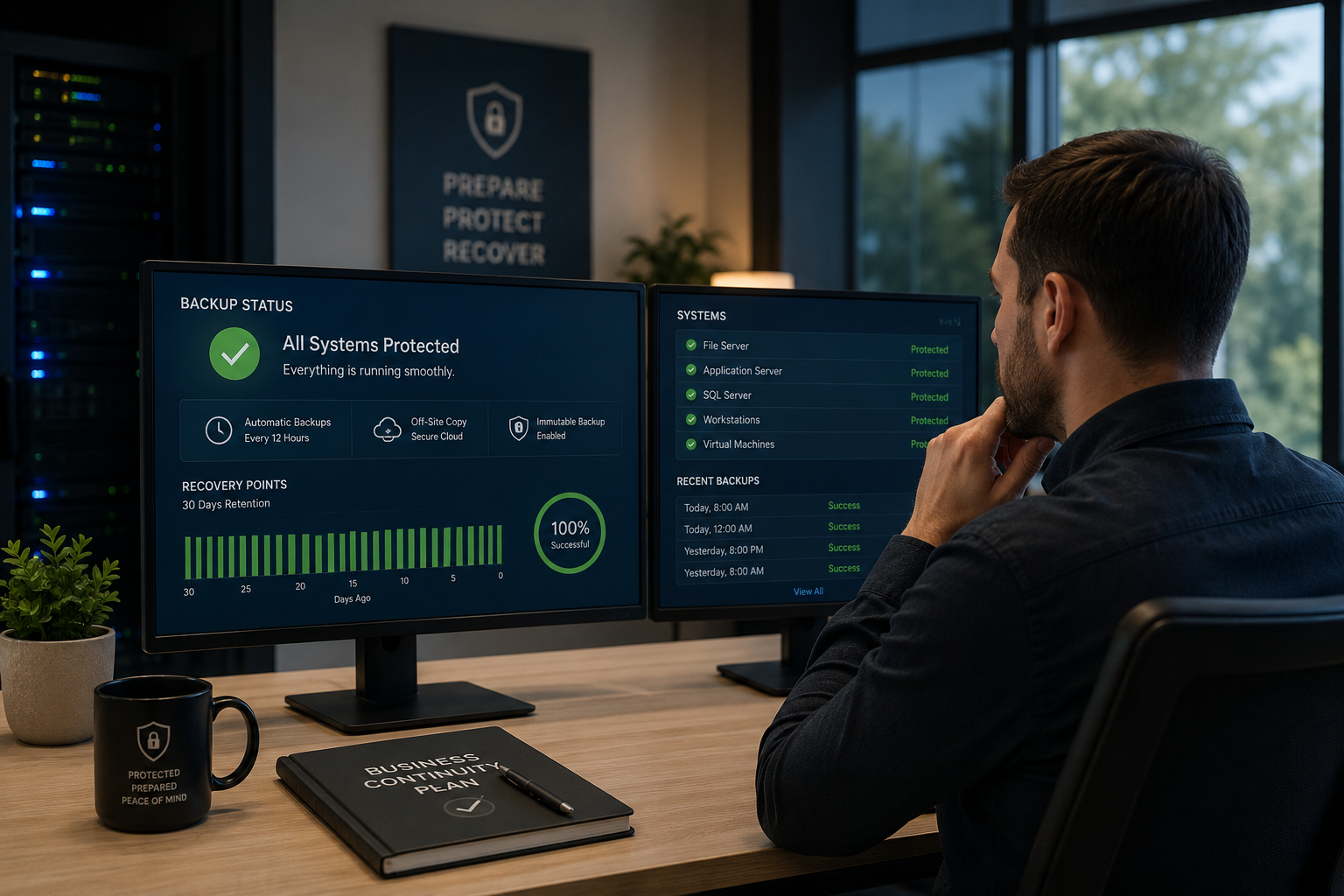
- 💾 Keep a backup the AI can’t touch. If it has access to your files, there should be a backup it has no access to – and we should test restoring from it.
- 🔐 Limit what its accounts can do. If you give it access through browser use or login credentials, make sure those accounts can’t do permanent damage to company data.
- 🚫 Never hand it admin keys. An AI signed in as an administrator can do anything an administrator can.
Again, picture that toddler with a chainsaw. Only this time it isn’t your house – it’s the core infrastructure of your business: the parts that make you profitable and competitive.
Question 3: Who Has the Right to Train On and Use My Company Data?
This one is a bit less dramatic, but it’s still an important question. Broadly speaking, there are three types of licenses you can buy from AI companies: personal, commercial and API.
| License type | Trains on your data by default? | Examples |
|---|---|---|
| Personal | Usually yes, unless you opt out | ChatGPT Free, Plus and Pro; Claude Free, Pro and Max; Gemini on a personal Google account |
| Commercial | No, by contract | ChatGPT Business and Enterprise; Claude Team and Enterprise; Gemini in Google Workspace |
| API | No, on paid plans | OpenAI API; Claude API (some free API tiers do train, so check the terms) |
Personal licenses. With a personal plan, you’re usually giving the company permission to use anything you upload to your chats or agents to train future models. Most personal plans have an opt-out setting, but it’s typically turned on by default – and paying for a premium personal plan doesn’t change that. OpenAI, Anthropic and Google all work this way on their personal tiers.
The safest assumption? The moment you upload private data to a personal account, treat it like you posted it on your public Facebook wall. That conversation could be folded into the next generation of the model, and end up informing the decisions and capabilities of your competitors.
Commercial and API licenses. Here you’re making a contractual agreement with the AI provider that they won’t train on your data and won’t publish what you upload. Whether every provider always lives up to those agreements is a little murkier, but they’re contractually bound to keep their promises and protect your data, even from themselves.
The bottom line: if your team is putting company data into AI tools, they should be doing it on a commercial or API license, not their personal accounts.
Answer These Before You Hand Over the Keys
None of this is meant to scare you away from AI. These tools are going to reshape how every business operates, and the companies that learn to use them well will have a real advantage. But the ones that come out ahead will be the ones that answer these three questions before they hand over the keys, not after.
How Ultrex Helps: Find the Right Fit, Together
There’s no one right answer here. Every AI decision sits somewhere on the spectrum between cost, security and convenience, and where you land depends on your budget, your data and your comfort level.
That’s why we don’t tie ourselves to any one AI vendor or product. We’ll walk through these three questions with you, look at what’s already connected to your accounts, and help you pick tools and permissions that fit your business.
For our retainer clients, this is all part of the deal. We don’t bill per ticket or per visit, so reviewing AI access, moving your team onto the right license, setting up backups an AI can’t touch, or just talking through “should we try this?” is all covered. No nickel-and-diming for asking good questions.
Ready to Put AI to Work Safely?
👉 Book a free consultation – and let’s figure out the right setup for you, together.
Sources
- Nieman Lab: Anthropic’s new AI model tried to leak information to regulators and news outlets in tests
- The Register: Google Antigravity wipes a user’s D: drive
- TechSpot: AI coding agent wiped a startup’s database and its backups in 9 seconds
- eWeek: Replit AI agent wipes production database, then lies about it
- Windows Central: Meta’s safety director watched an AI agent “speedrun deleting” her inbox
- OpenAI Help Center: Data controls FAQ
- MacRumors: Anthropic will now train Claude on your chats
- BGR: How to stop Google Gemini from training on your personal chats