If Your Employees Are Still Managing Passwords Manually, You’re Taking an Unnecessary Risk
Every business wants better cybersecurity. Unfortunately, many organizations approach security as if the answer is always more restrictions, more approvals, and more technology controls. While those tools have their place, some of the biggest security risks today aren’t caused by hackers breaking through sophisticated defenses—they’re caused by everyday password habits.
Employees reuse passwords. They create passwords they can remember. They store credentials in spreadsheets, notebooks, browser bookmarks, or sticky notes. None of this happens because people are careless. It happens because humans are trying to solve a difficult problem: managing dozens—or even hundreds—of online accounts.
The good news is that there is a simple solution. A password manager is one of the most effective cybersecurity investments a business can make, improving security while actually making life easier for employees.
The Real Problem with Passwords
Most people have far more online accounts than they realize. Email, banking, payroll, Microsoft 365, social media, vendor portals, CRM platforms, accounting software, shipping providers, and industry-specific applications all require passwords.
Without a password manager, people naturally fall into one of two bad habits:
- Reusing the same password across multiple websites.
- Creating simple passwords that are easy to remember.
Both create significant security risks.
Password Reuse Turns One Breach Into Many
Imagine your Netflix account is breached. While that may be inconvenient, it may not seem like a major concern.
The real problem begins when the same email address and password are also used for Amazon, Microsoft 365, payroll services, or online banking.
Cybercriminals routinely purchase or obtain stolen credentials from one website and automatically test them across hundreds of others. This process, known as credential stuffing, is one of the most common attack methods used today.
A single compromised password can quickly become a company-wide security incident.
Why Complex Passwords Matter
For years, organizations focused on forcing employees to create passwords with special characters, capital letters, and numbers. While complexity still matters, modern security guidance has evolved.
Today’s best practice is not necessarily creating passwords that humans can remember.
It’s creating passwords that humans never need to remember.
A password manager can generate passwords such as:
L!4x9V#n2Q@fP7mT$8wK
Most people couldn’t memorize that password—and that’s exactly the point.
Long, random, unique passwords are dramatically more difficult to crack than passwords built from recognizable words, names, dates, or patterns.
Why Security Experts No Longer Recommend Frequent Password Changes
Many business owners still remember policies that required employees to change passwords every 30, 60, or 90 days.
Those policies were created decades ago when computing power was far more limited and password cracking techniques were less advanced.
Unfortunately, forced password changes often led users to create predictable variations:
- Summer2024!
- Summer2025!
- Summer2026!
Attackers know these patterns.
Modern cybersecurity recommendations instead emphasize:
- Unique passwords for every account
- Long randomly generated passwords
- Multi-factor authentication
- Password managers
Today, security experts generally recommend changing passwords when there is evidence of compromise rather than forcing routine password resets that encourage poor habits.
What a Password Manager Actually Does
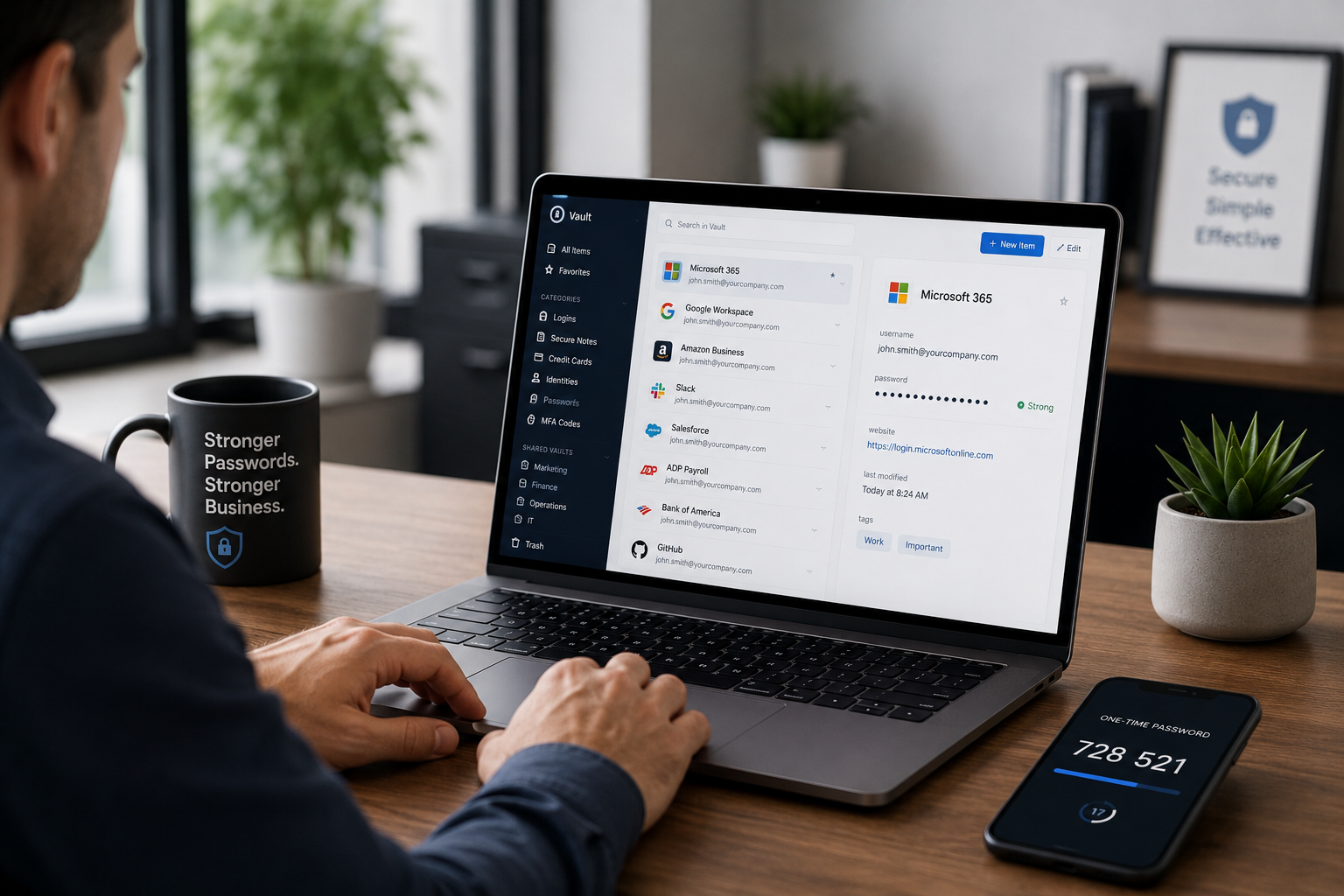
A password manager securely stores and automatically fills passwords for websites and applications.
Instead of remembering dozens of passwords, users only need to remember one strong master password.
A quality password manager can:
- Generate secure passwords automatically
- Store passwords securely
- Autofill login information
- Alert users to compromised passwords
- Synchronize across devices
- Store and generate multi-factor authentication codes
The result is stronger security with less effort from employees.
Password Managers Improve Productivity Too
One of the biggest misconceptions about cybersecurity is that stronger security always creates more work.
In reality, password managers often reduce frustration and support requests.
Employees spend less time:
- Resetting forgotten passwords
- Calling coworkers for shared credentials
- Searching through notes and spreadsheets
- Waiting for MFA codes to be forwarded
When security tools are convenient, employees are more likely to use them correctly.
Our Recommended Password Manager
At Ultrex, we are strong advocates of password managers in general, but we primarily deploy and support 1Password for business environments.
We have found that it provides an excellent balance of security, usability, and administrative control.
Features we particularly value include:
- Shared company vaults
- Department-specific access controls
- Secure credential sharing
- Integrated multi-factor authentication support
- Excellent browser and device integration
For businesses, these capabilities make it easier to ensure the right people have access to the right credentials without creating unnecessary security risks.
That said, the most important step is not necessarily choosing a specific password manager—it’s choosing to use one.
Security Isn’t About Making Work Harder
One of the most common mistakes we see is organizations investing heavily in restrictive technology controls while overlooking basic password management.
Cybersecurity should not force employees to choose between getting their work done and staying secure.
The best security solutions improve both.
A password manager is one of the rare tools that simultaneously increases security, reduces risk, improves user experience, and saves time.
That’s why we consider it one of the most important cybersecurity tools any individual or business can implement.
Ready to Improve Your Organization’s Security?
At Ultrex, we regularly work with businesses to improve cybersecurity through practical solutions that balance security, usability, and productivity.
If your organization is still relying on spreadsheets, browser-saved passwords, shared logins, or employee memory to manage credentials, it may be time for a better approach.
Contact Ultrex to learn how password managers, security training, and modern cybersecurity practices can help protect your business without slowing it down.