
Why We Archive Emails Instead of Deleting (and Skip the Folders Altogether)
Less Busywork. More Clarity. Way Less Stress.
Let’s be honest – most inbox strategies people were taught 10 to 15 years ago just don’t make sense anymore.
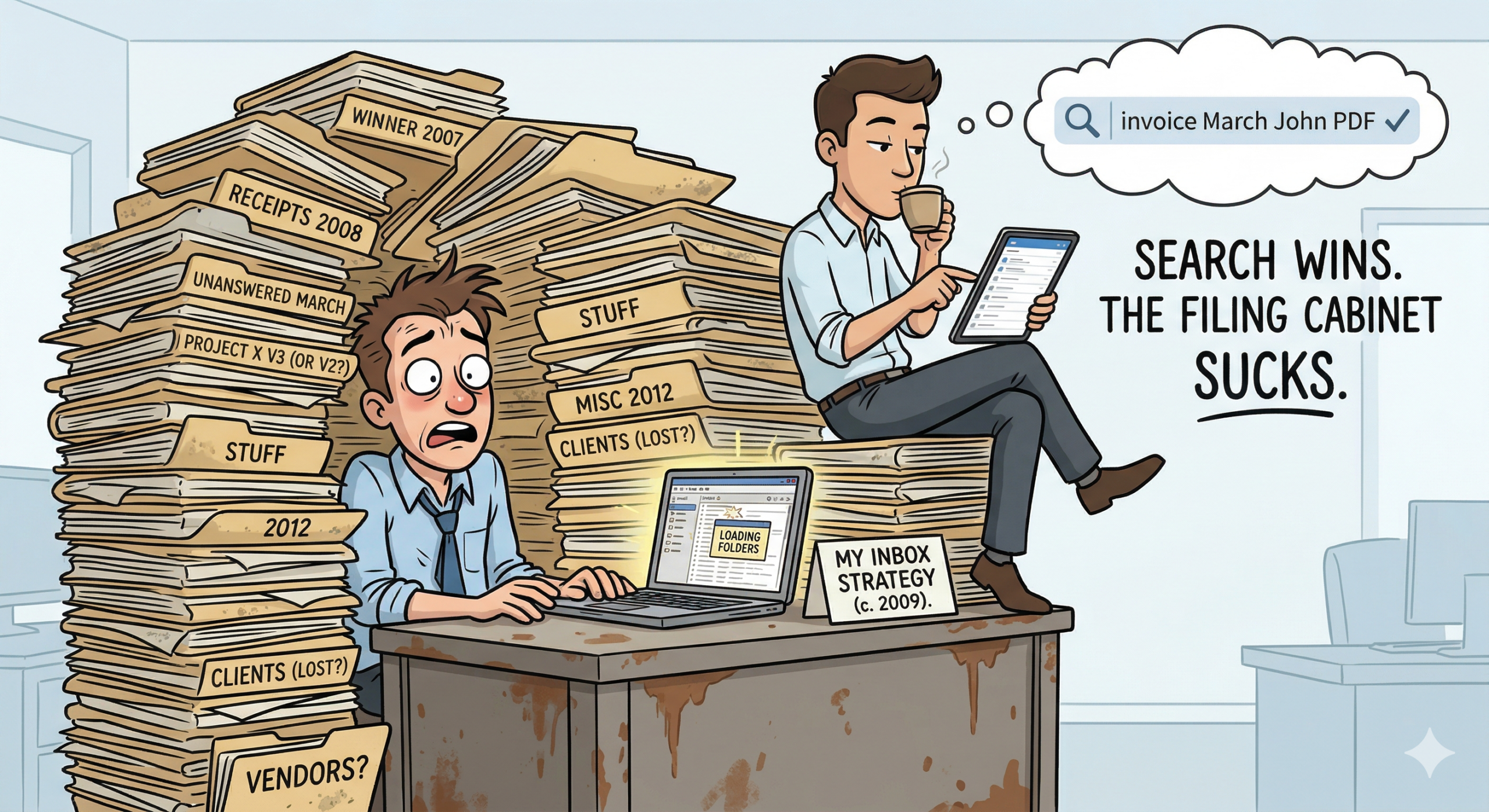
Creating folders. Dragging emails around. Trying to remember where you filed something six months ago…
That worked when search was bad.
Search is not bad anymore.
So instead of spending your time organizing email like a filing cabinet, we recommend a simpler, faster, and more modern approach:
👉 Don’t delete (most things). Archive
👉 Don’t sort into folders. Search
The Problem With “Old School” Inbox Management
The traditional method goes like this:
- Create a bunch of folders (Projects, Vendors, Receipts, etc.)
- Manually move emails into them
- Hope you remember where everything went later
Here’s the issue:
You’re doing work twice.
- Once when you file it
- Again when you try to find it
And the second part is where it breaks down.
“Did I put that in Finance? Vendors? 2024 Taxes? The client name?”
Now you’re digging.
Search Beats Memory Every Time
Modern email – Gmail, Outlook, Microsoft 365 – has extremely powerful search.
You can find emails by:
- Sender
- Keywords
- Attachments
- Dates
- Even half-remembered phrases
If Google can search the entire internet in milliseconds, your inbox is easy.
Instead of guessing folders, you just type:
“invoice March John PDF”
…and it’s right there.
No filing system. No guessing. No frustration.
Why We Archive Instead of Delete
Deleting emails feels clean – but it creates risk.
That random email you deleted?
- It had login info
- Or an attachment you now need
- Or a decision you need to reference
Now it’s gone.
Archiving solves that.
When you archive:
- It leaves your inbox (so things stay clean)
- But it’s still fully searchable
👉 Out of sight, not out of reach
Storage is cheap. Your time is not.
What Should You Actually Delete?
We keep this rule simple:
👉 Delete: things you never need to see again, ever
👉 Archive: everything else
Good things to delete:
- Spam and junk
- Marketing emails you didn’t read
Good things to archive:
- Receipts
- Conversations
- Attachments
- Project discussions
- Anything you might need later
If you hesitate for even a second? If you’re not sure?
Archive it.
“Won’t My Mailbox Get Huge?”
Yes.
That’s fine.
Modern systems are built for this. Search doesn’t meaningfully slow down, and storage is inexpensive and scalable. (This advice changes if you’re still using Outlook Desktop vs online)
The time you save by not organizing everything manually is worth far more than the storage.
The Real Benefit – Less Mental Overhead
This is the part that really matters.
When you stop sorting email:
- You stop thinking about where things go
- You stop worrying about losing things
- You stop maintaining a system
Your workflow becomes simple:
- Handle it → archive
- Don’t need it → delete
That’s it.
How We Help Make This Work
At Ultrex IT, our goal is simple – make technology easier, not more complicated.
This approach works because:
- It’s simple enough that people actually stick with it
- It removes steps instead of adding process
- It uses tools you already have, just better
And just like everything we do:
- We don’t bill per ticket or per visit
- We don’t lock you into one tool or ecosystem
- We tailor everything to your needs, your budget, and your balance of cost vs security vs convenience
Some teams still want light organization – totally fine. Others go all-in on search.
There’s no one right answer for everyone. We’ll help you find what works best for you.
The Bottom Line
Stop treating your inbox like a filing cabinet.
Start treating it like a searchable database.
👉 Archive almost everything
👉 Delete only what’s truly useless
👉 Use search instead of folders
It’s faster, easier, and a whole lot less frustrating.
Want Help Cleaning Up Your Inbox?
We can help you simplify your email workflow without disrupting your day-to-day work.
👉 Reach out to Ultrex – and let’s make email one less thing you have to think about.