
Why We Offer an SMTP Service
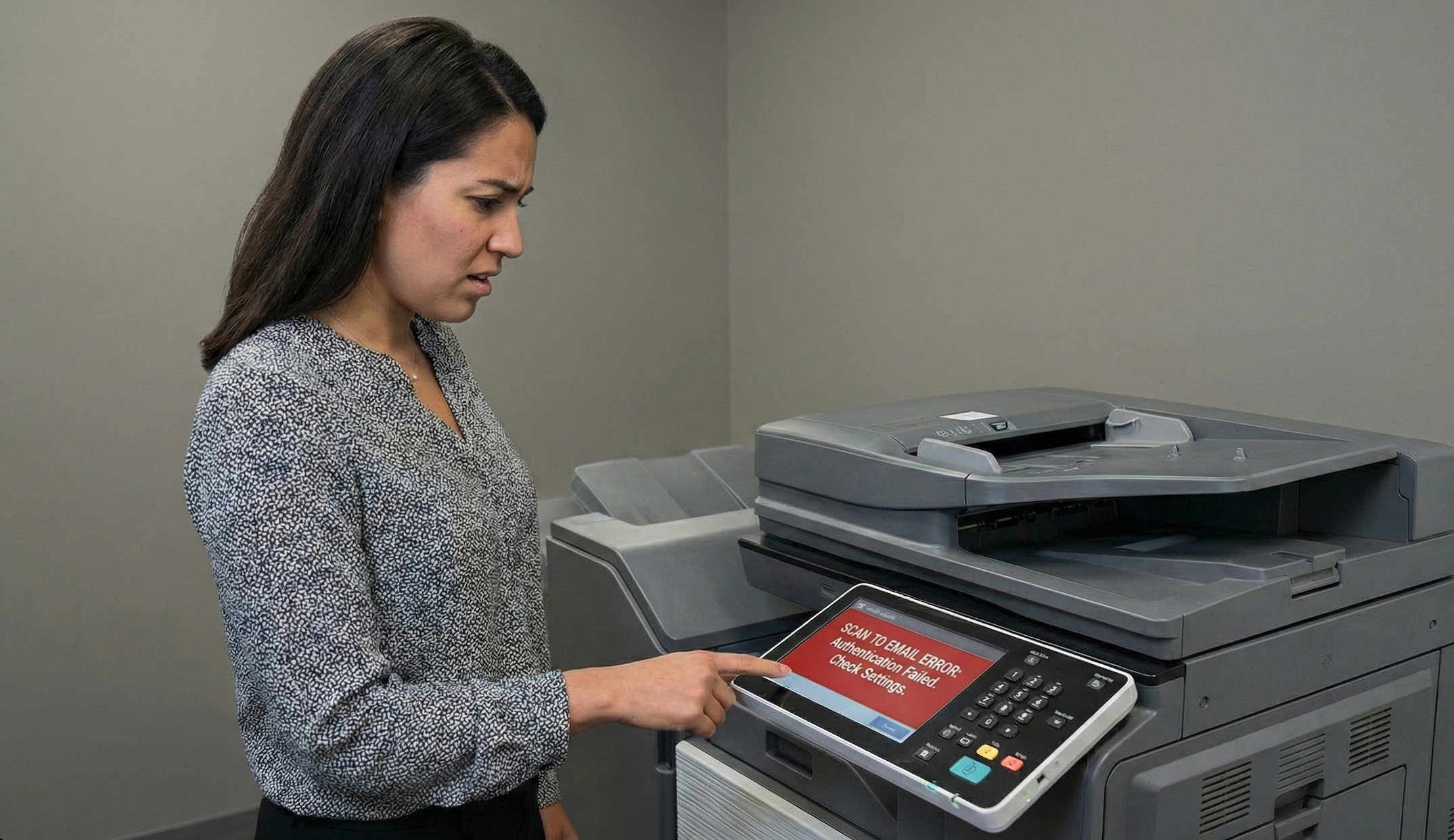
Tired of scan-to-email breaking with each email provider update?
If you’ve ever tried to set up scan-to-email on a copier, a networked printer, or another “smart” device, you may have hit a frustrating wall:
“This device doesn’t support MFA or modern authentication.”
You’re not doing anything wrong — the device just wasn’t built for today’s security world.
That’s exactly why, as both an IT company and a copier company, we offer a secure SMTP relay service as a small-fee add-on.
Let’s break down what that means, why it exists, and why it’s often the right solution.
(If you’re not sure what MFA is, we’ve got a whole article on that over HERE)
The Core Problem: Devices That Can’t Do MFA
Modern email systems (Microsoft 365, Google Workspace, etc.) are doing the right thing:
- Blocking basic username/password logins
- Requiring MFA
- Enforcing modern authentication protocols
That’s great for people.
But many devices — especially copiers, scanners, label printers, and legacy systems — simply can’t:
- Prompt for MFA
- Handle OAuth or modern auth
- Store rotating tokens securely
They were designed to send email using basic SMTP credentials — and that’s it.
So when you try to connect them directly to your email system, one of two things happens:
- It fails outright
- Or it forces you to weaken security (which we really don’t want to do)
The Bad Alternatives (That We Don’t Recommend)
Before SMTP relay, people often tried things like:
- ❌ Turning off MFA on a real user account
- ❌ Creating shared mailboxes with weak passwords
- ❌ Reusing credentials across devices
- ❌ Allowing insecure legacy protocols globally
All of those increase risk — sometimes significantly — just to make a copier send a PDF.
That’s a bad tradeoff.
The SMTP Relay Solution (Done Right)
Our SMTP service acts as a secure middleman.
Here’s how it works:
- Your device sends mail to our SMTP relay
- The relay authenticates the device in a controlled, limited way
- We securely deliver the message to its destination
The device never needs:
- MFA
- A real user mailbox
- Broad access to your email environment
And your main email system stays locked down properly.
Why We Charge a Small Fee
This isn’t just “turning on a mail server and walking away.”
The fee covers:
- Secure configuration and monitoring
- Abuse prevention and rate limiting
- Ongoing maintenance and updates
- Support when a device, ISP, or firmware update breaks things
- Liability and responsibility for outbound email delivery
In short: it’s a real service, not a hacky workaround.
And because we don’t bill per ticket or per visit, help setting this up — and keeping it working — is just part of your ongoing support. No surprise invoices when a copier stops scanning to email.
Why This Makes Sense Coming From Ultrex
This is where being both an IT provider and a copier provider really helps us understand the issue.
We understand:
- How these devices work
- Why they lag behind modern security standards
- And how to bridge that gap without weakening your environment
We’re also not tied to a single vendor or solution.
Sometimes SMTP relay is the best option.
Sometimes a different workflow makes more sense.
There’s no one-size-fits-all answer — and that’s okay. Our role is to help you understand your options, and IF SMTP is the right fit for your organization.
Security Without Breaking Workflow
Our goal is always the same:
👉 Keep security strong without breaking how people actually work.
SMTP relay lets you:
- Keep MFA enabled everywhere it should be
- Avoid insecure exceptions
- Still use scan-to-email and device-generated messages reliably
It’s not flashy — but it’s practical, secure, and proven.
Need Scan-to-Email Without Security Headaches?
If you have a copier, printer, or device that needs to send email and doesn’t support modern authentication, we can help you find the right solution — whether that’s SMTP relay or something else.
📩 Contact Ultrex and let’s figure out the best fit for your devices, your budget, and your security comfort level — together.